Fit
Sized to the rules規格の大きさに
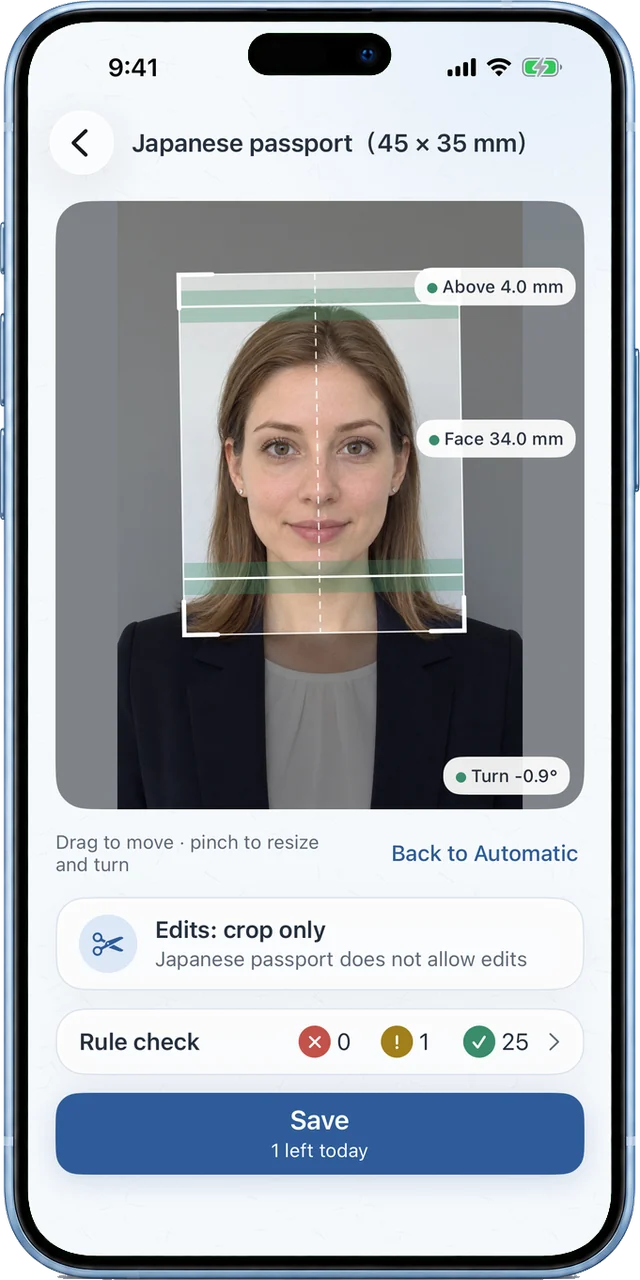
The face's length, the space above the head and the face's center are fitted within the range of each rule. Fine-tune it with your finger.
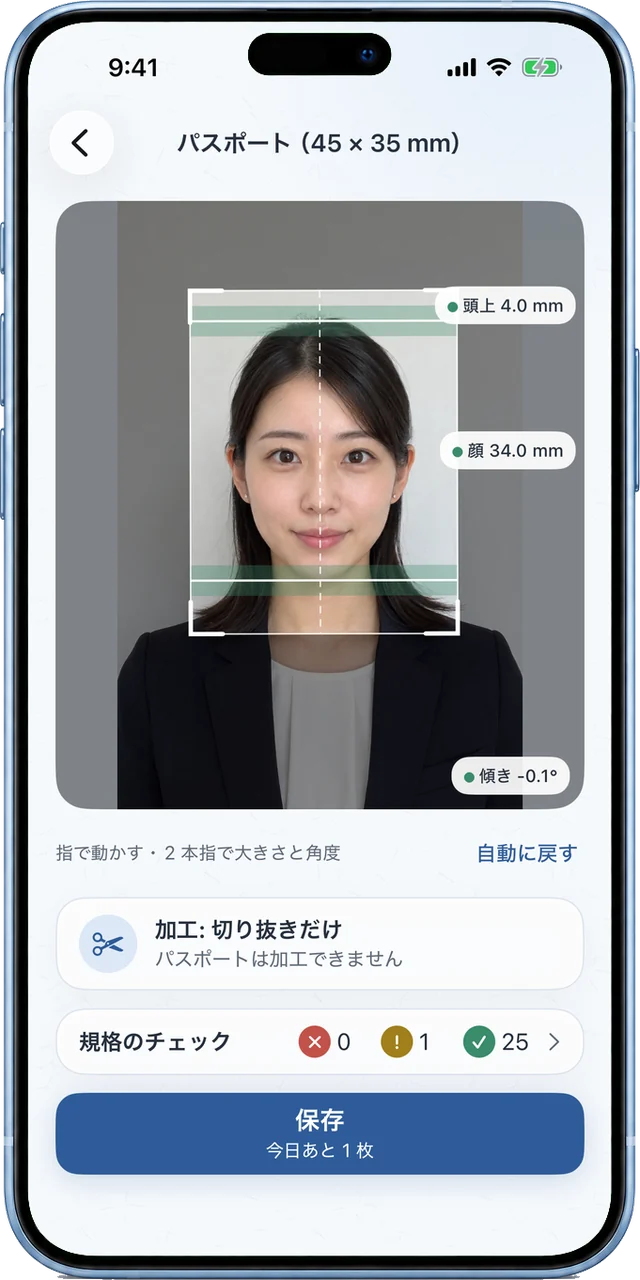
顔の長さ・頭の上の余白・顔の中心を、用途ごとの規格の範囲に合わせて切り抜きます。指で動かして微調整もできます。
 YASASHII ID PHOTO
やさしい証明写真
YASASHII ID PHOTO
やさしい証明写真
ID Photo
Choose what it's for and a photo you have. It is cut to the rule's size, the face's size and the space above the head. 用途と手元の写真を選ぶと、規格の大きさ・顔の大きさ・頭の上の余白に合わせて切り抜きます。
Tilt, expression, light, background and the date taken are checked against the rules, too. Photos stay on your phone, and no account is needed. 傾き・表情・光・背景・撮影日まで、規格に合っているかも確かめます。写真は端末の中だけで。アカウントは要りません。
Features
Fit
The face's length, the space above the head and the face's center are fitted within the range of each rule. Fine-tune it with your finger.
顔の長さ・頭の上の余白・顔の中心を、用途ごとの規格の範囲に合わせて切り抜きます。指で動かして微調整もできます。

Check
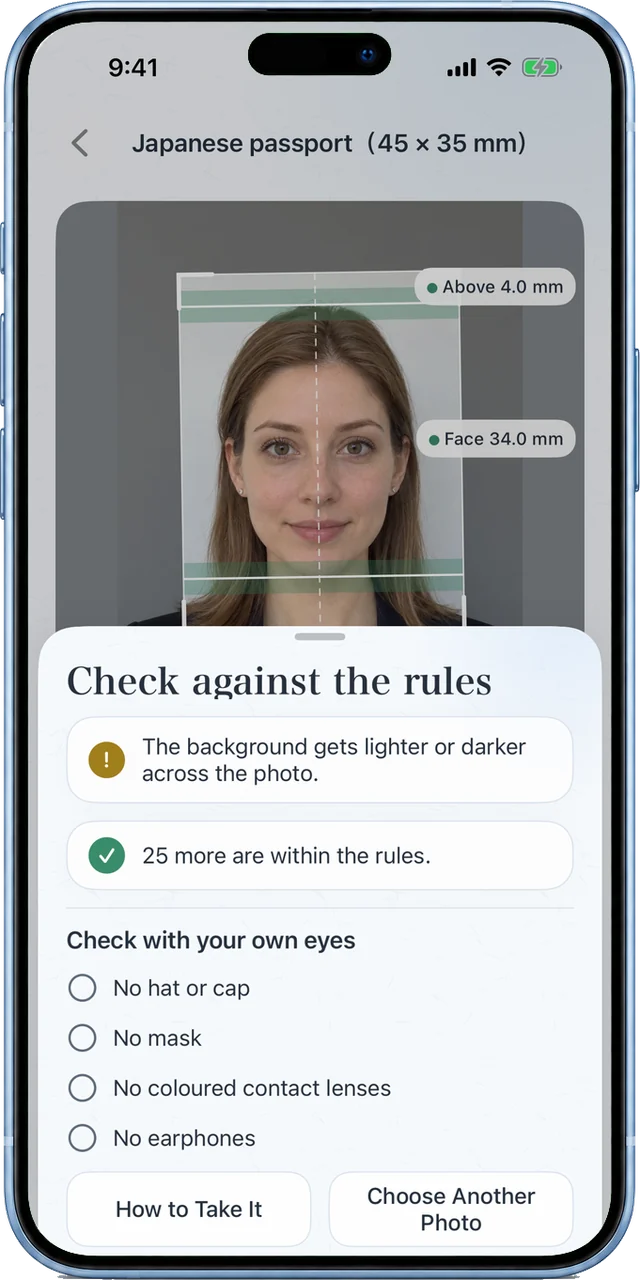
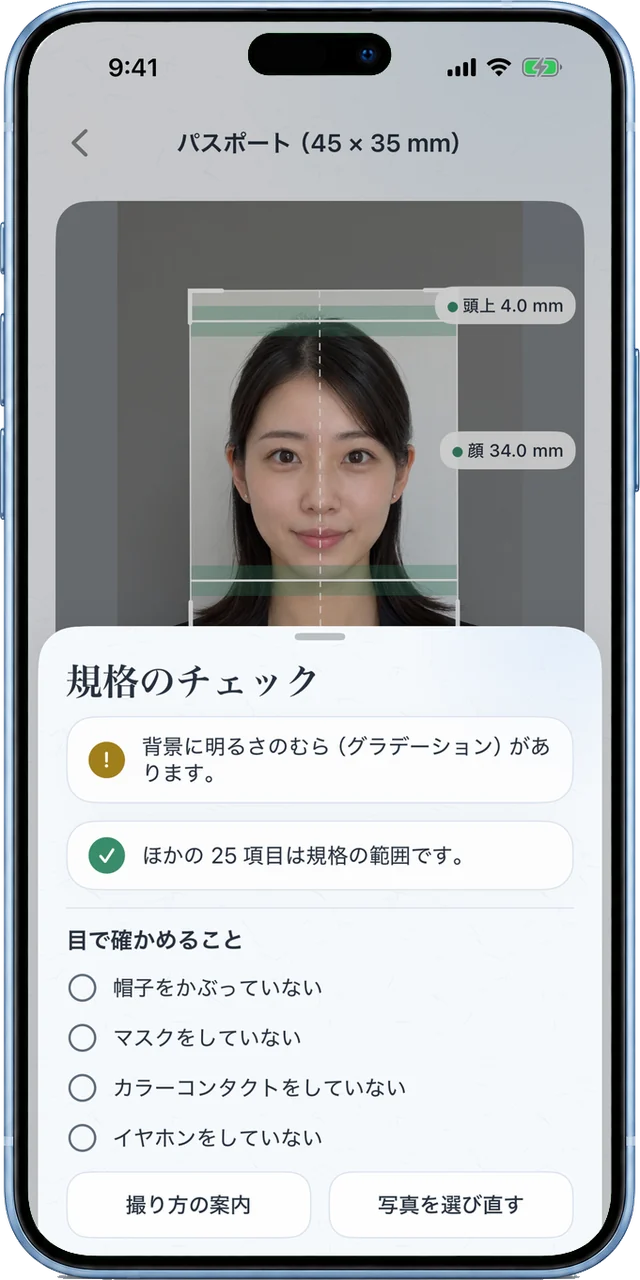
Tilt, direction, eyes, expression, light, shadows, background and the date taken are checked with fixed rules on your phone. Anything off comes with tips for taking it again.
傾き・向き・目・表情・光・影・背景・撮影日などを、端末の中の決まった規則で確かめます。合わない所は、撮り方の案内と一緒にお知らせします。
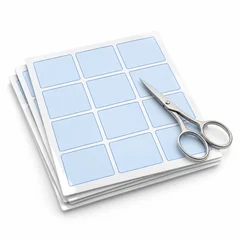
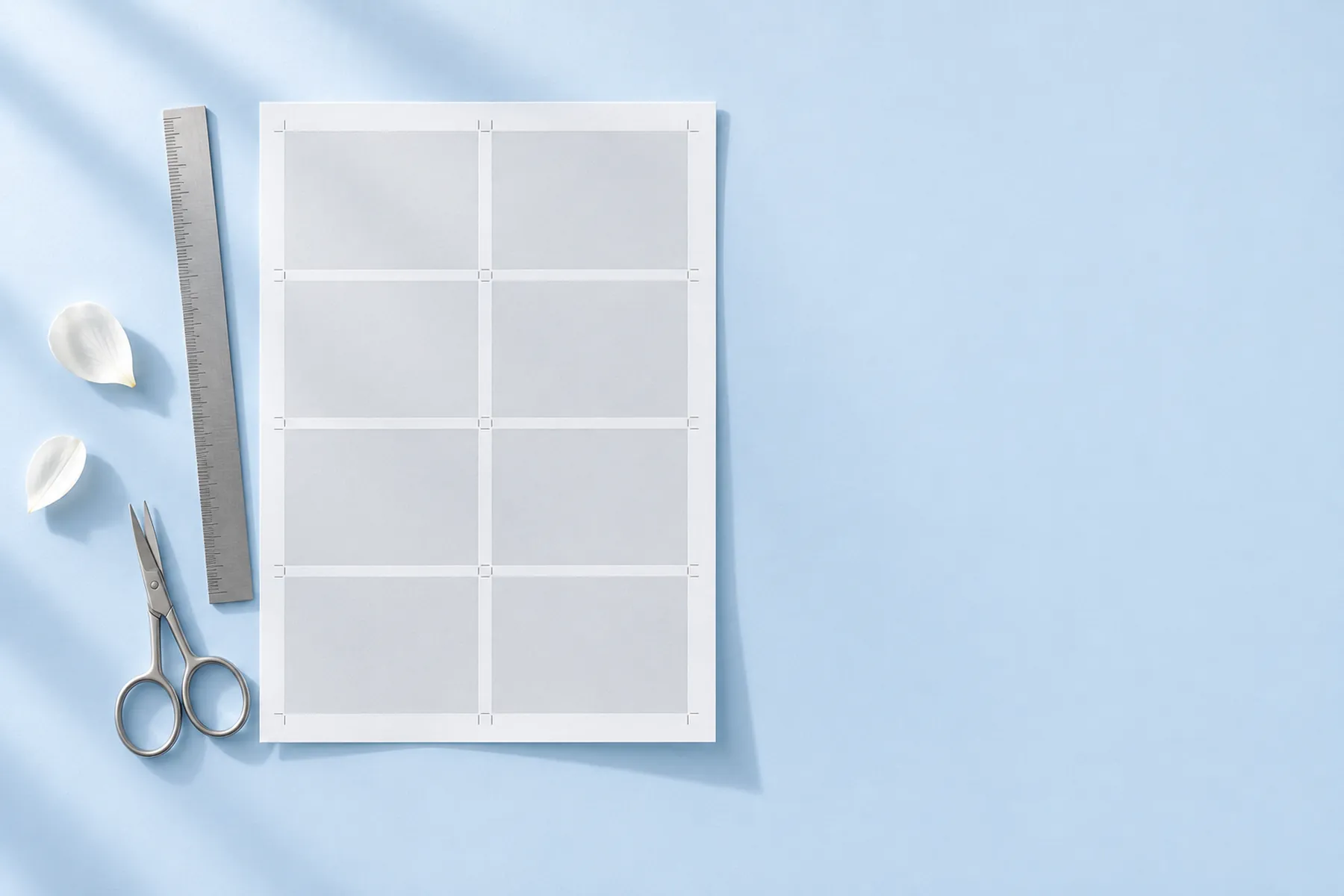
Save one data file, or print sheets in L (89 × 127 mm) and 2L (127 × 178 mm) with cut lines and a 10 mm scale to check the size.
データ用の 1 枚と、L 判・2L 判に並べた印刷用の画像を保存できます。印刷用には切り取り線と、大きさを確かめる 10 mm の目盛りが付きます。
Private
Cropping and checking all happen on your phone. Photos are sent nowhere, no account is needed, and saved images carry no location or device data.
切り抜きもチェックも、すべて端末の中で。写真はどこにも送らず、アカウントも要りません。保存する画像には、位置や機種の情報を残しません。
Screens
Face size and the space above the head, cut to each purpose's rules.顔の大きさと頭の上の余白を、用途の規格に合わせて切り抜きます。
Tilt, expression, light, background and date, with fixed rules on your phone.傾き・表情・光・背景・撮影日まで、端末の中の決まった規則で確かめます。
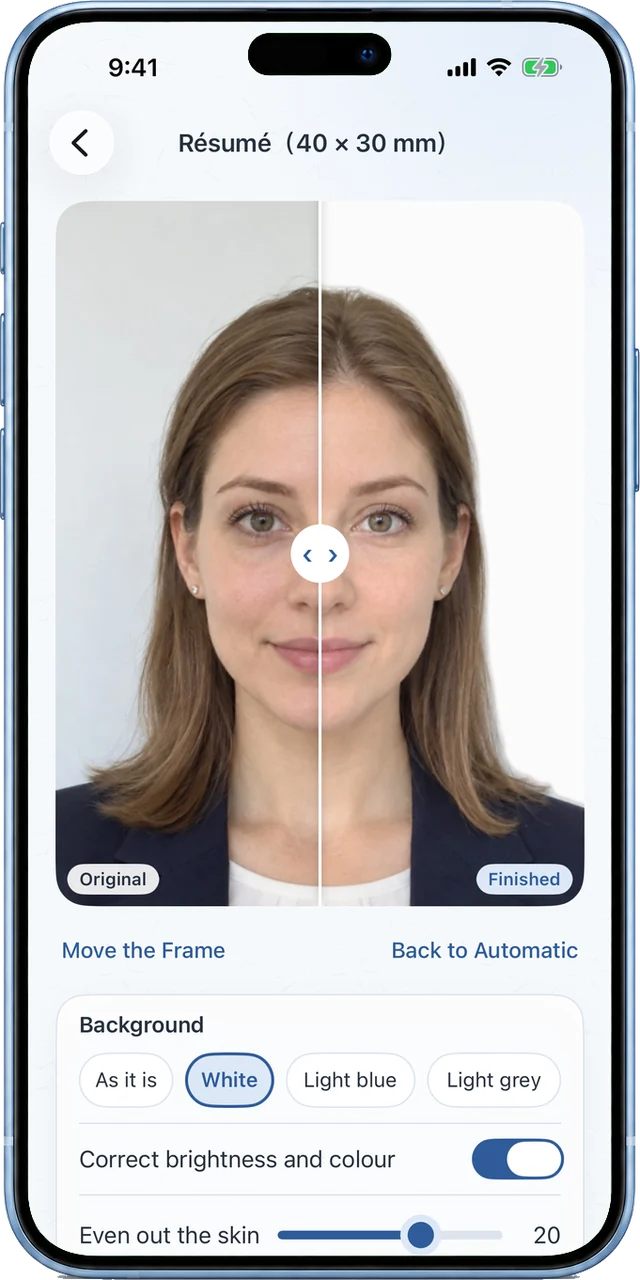
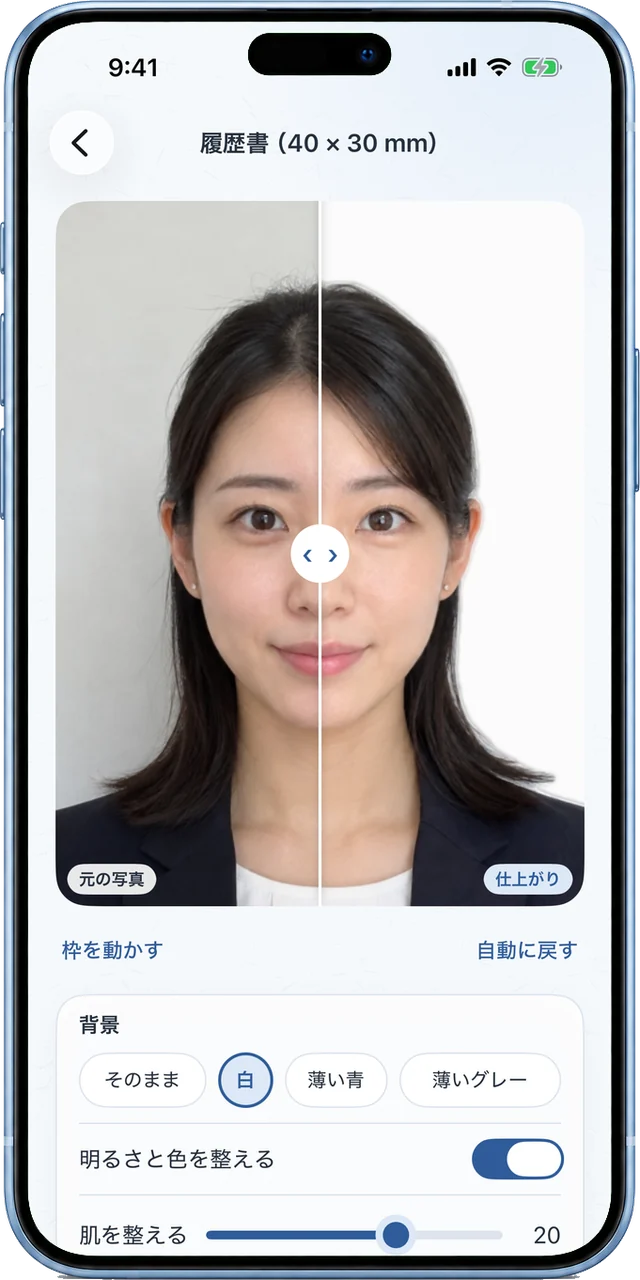
White, light blue or light gray. The face's shape is never changed.白・薄い青・薄いグレーの背景に。顔の形は変えません。
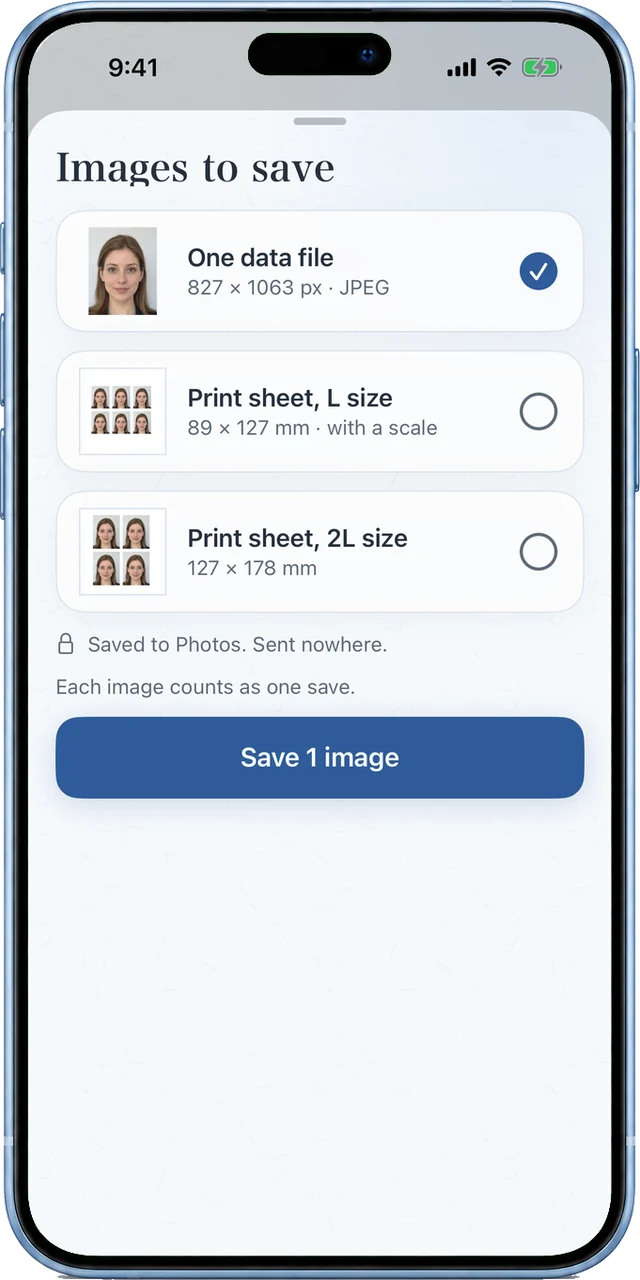
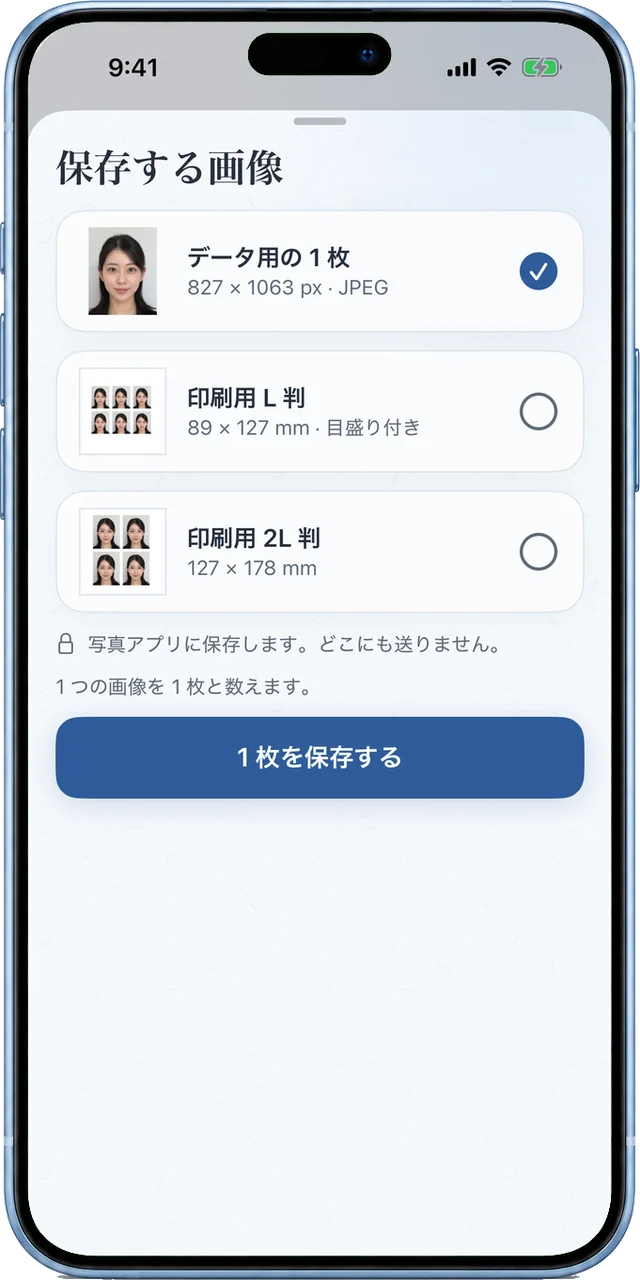
Print sheets come with a 10 mm scale. Photos never leave your phone.印刷用には 10 mm の目盛り付き。写真は端末の外に送りません。
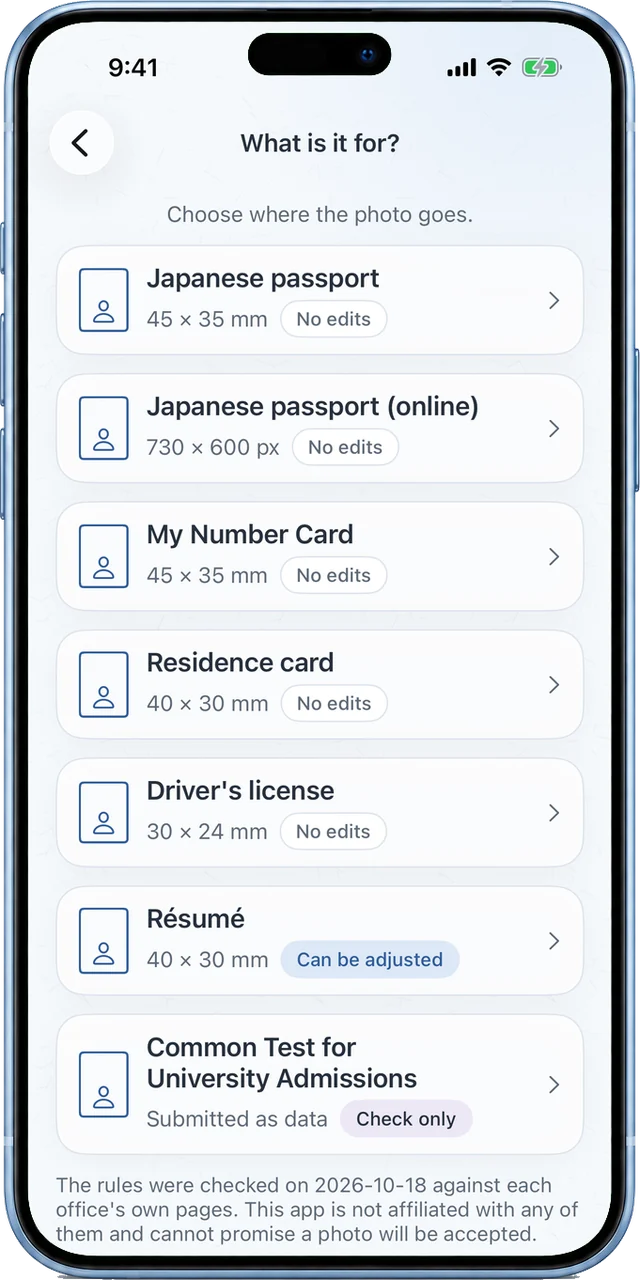
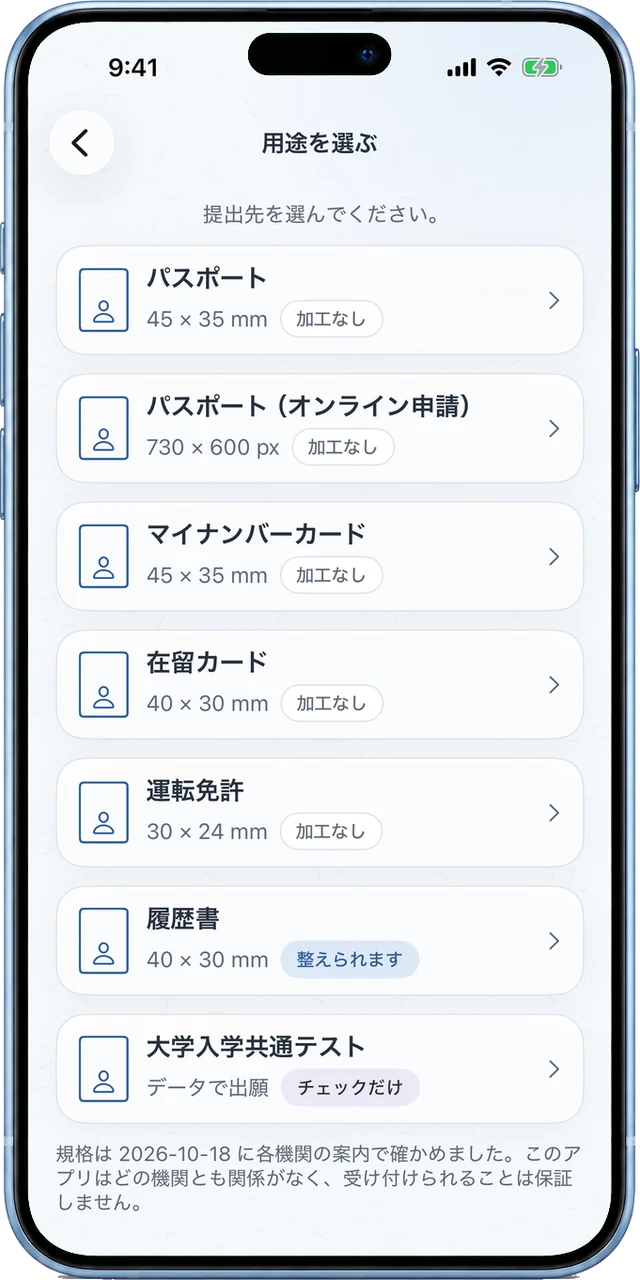
Seven purposes, each checked against the office's own pages.7 つの用途の規格を、各機関の案内で確かめました。
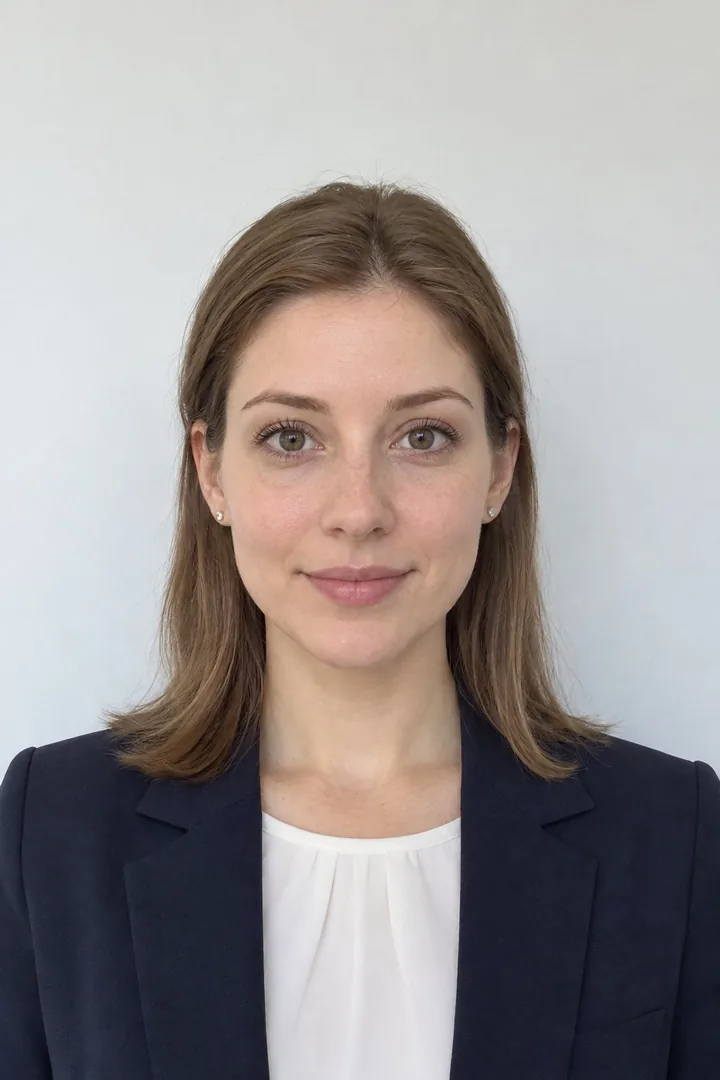
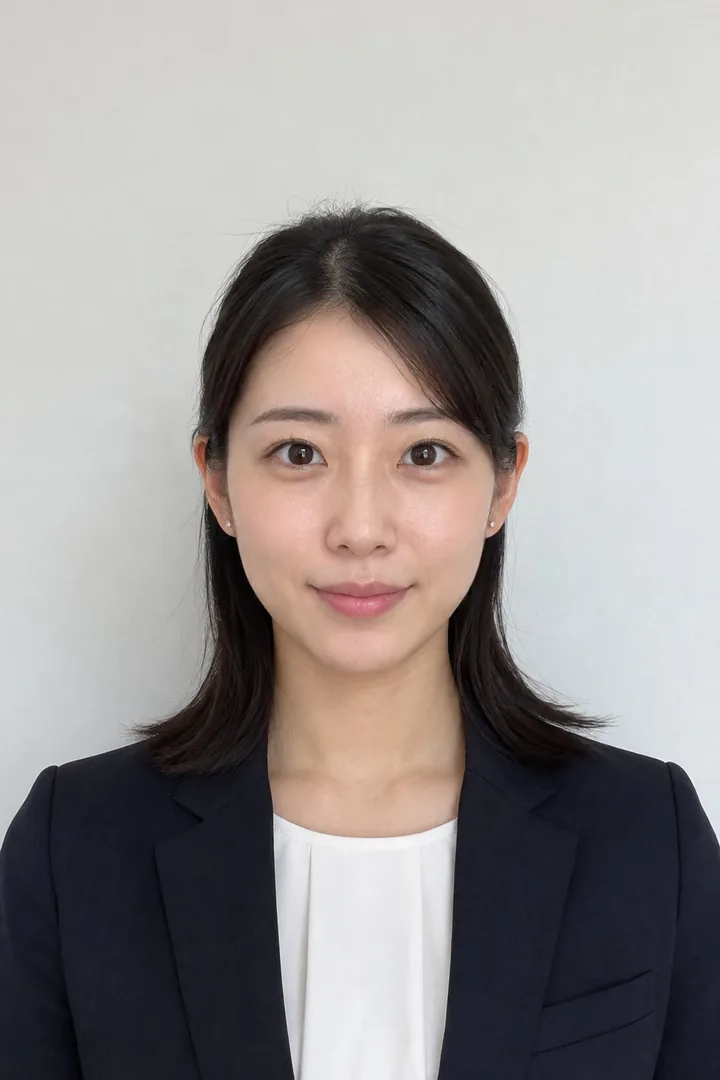
The people on screen are AI-generated and fictional.画面の人物は、AI で生成した架空の人物です。
How to
Purposes
The rules were checked on against each office's own pages, linked below (in Japanese). 規格は に、各機関の案内で確かめました。リンクは各機関のページです。
45 × 35 mm No edits加工なし
Taken within 6 months6 か月以内に撮った写真
730 × 600 px No edits加工なし
Taken within 6 months6 か月以内に撮った写真
45 × 35 mm No edits加工なし
Taken within 6 months6 か月以内に撮った写真
40 × 30 mm No edits加工なし
Taken within 6 months6 か月以内に撮った写真
30 × 24 mm No edits加工なし
Taken within 6 months6 か月以内に撮った写真
40 × 30 mm Can be adjusted整えられます
Submitted as dataデータで出願 Check onlyチェックだけ
Taken on or after July 1, 20262026年7月1日以降に撮った写真
Please note
This app is a tool that helps you make photos that fit the rules of where you submit them. It is not affiliated with, and does not represent, any office, including the Ministry of Foreign Affairs of Japan, the Japan Agency for Local Authority Information Systems (J-LIS), the Immigration Services Agency of Japan, the police and exam organizers. We cannot promise that a photo you make will be accepted; that is decided by where you submit it. Rules can change, so check the latest guidance from where you submit (the rules in this app were checked on 2026-10-18).
このアプリは、提出先の規格に合わせた写真づくりを手伝う道具です。外務省・地方公共団体情報システム機構・出入国在留管理庁・警察・試験の実施団体など、どの機関とも関係がなく、それらを代表するものではありません。作った写真が受け付けられることは保証しません。受け付けるかどうかは提出先が決めます。規格は変わることがあるので、提出先の最新の案内を確かめてください(このアプリの規格は 2026-10-18 に確かめたものです)。
Price
Free
Free0円
One-Time Purchase
One-time500円
One payment · no auto-renewal · local price shown in the App Store or Google Play買い切り・自動更新なし
Each saved image counts as one: a data file and an L sheet saved together count as two. The Common Test check saves nothing and is not counted. The ad on the home screen, for our own apps, stays after purchase. The purchase is not shared through Family Sharing. 保存する画像 1 つを 1 枚と数えます(データ用と L 判を一度に保存すると 2 枚)。共通テストのチェックは保存しないので数えません。ホームの広告(自社アプリの紹介)は、買い切りのあとも出ます。ファミリー共有には対応していません。
Yasashii ID Photo